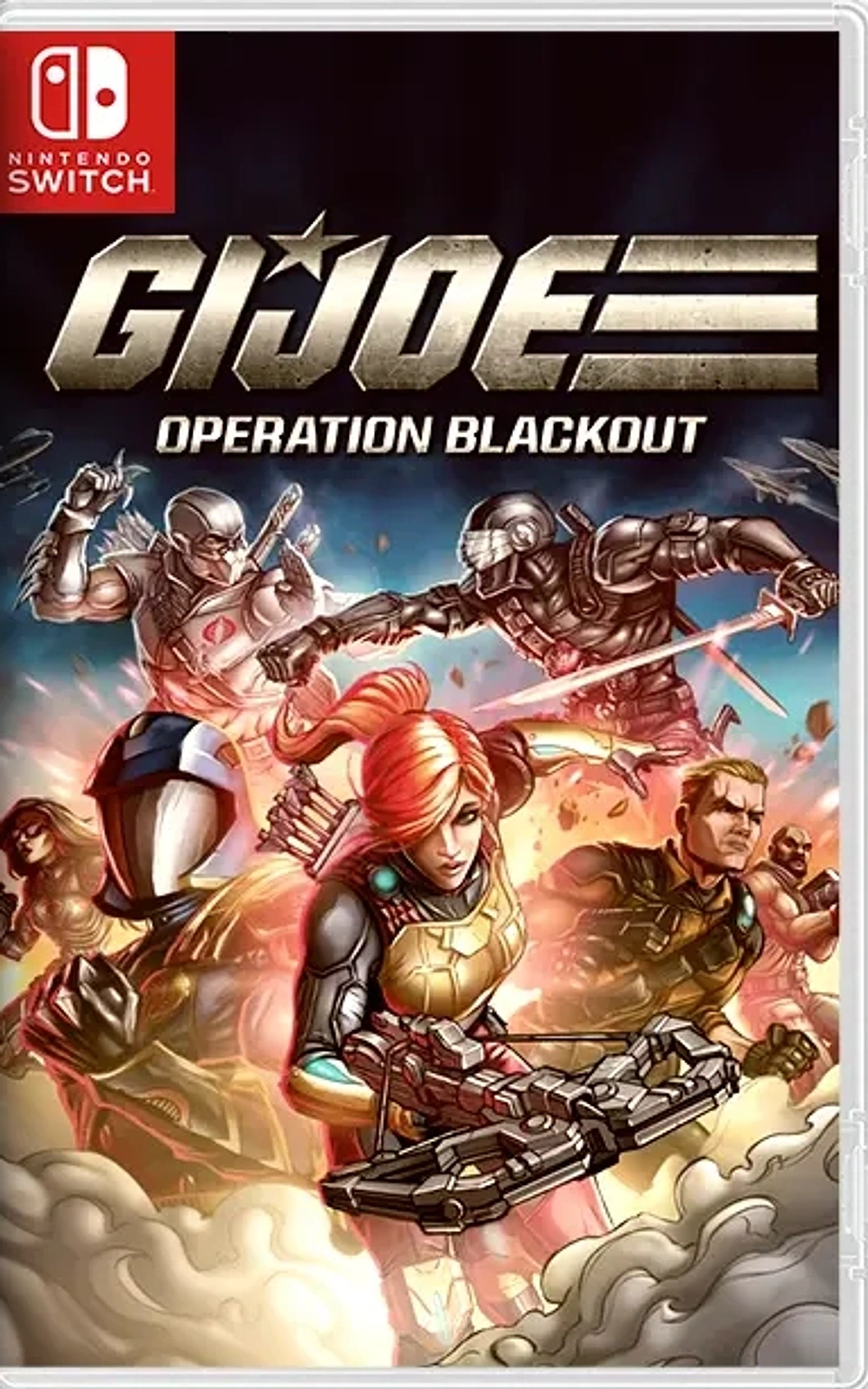
G.I. Joe: Operation Blackout Overview on Nintendo Switch
G.I. Joe: Operation Blackout brings a distinct experience to Nintendo Switch, blending atmospheric progression with responsive controls for both handheld and TV play. To extract a multi-part file (e.g., .zip.001, .zip.002 or filename.part1.rar, filename.part2.rar), follow these steps: Gather all parts in one folder : Make sure all split parts (.001, .002, or part1, part2, etc.) are downloaded and saved inside the exact same folder. Keep original filenames unchanged : Do not rename the files or change their extensions.
- Format: NSP package (5.65 GB)
- Playable in handheld and docked modes on Nintendo Switch
- Verified file size and external mirror links attached
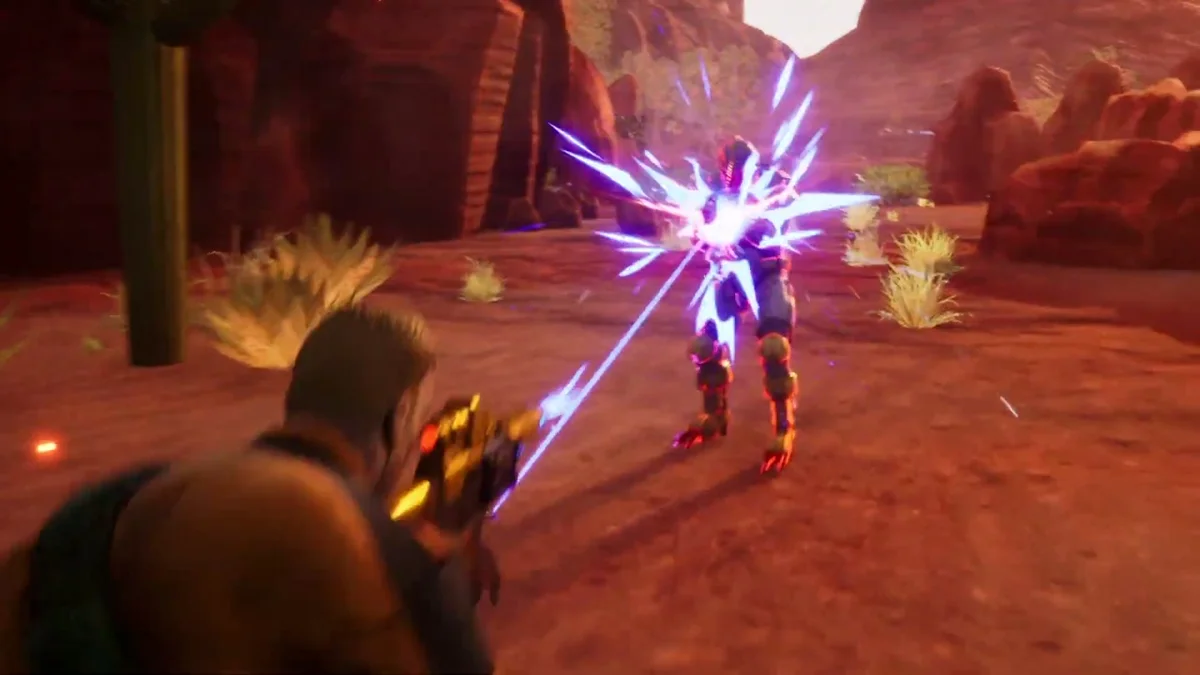
Core Gameplay & Progression in G.I. Joe: Operation Blackout
Extract the first part only : Right-click the first file in the series (e.g., ending with .001 or part1.rar). Select Extract Here or Extract to [folder name] using software like 7-Zip or WinRAR. The program will automatically read all remaining parts and reconstruct the original file.
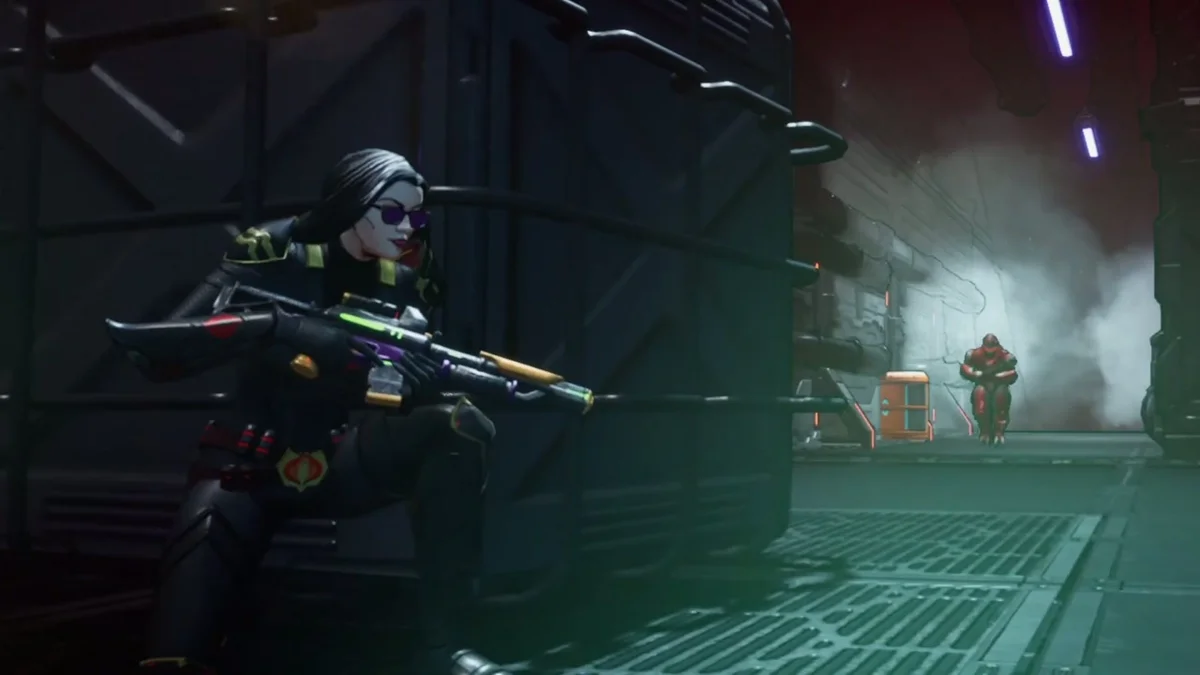
Archive Size & Download Mirrors
This G.I. Joe: Operation Blackout NSP package (5.65 GB) is ready via the Download button above. Click Download to open the 10-second verification page and select between Send (5.65 GB) or 1Fichier (5.65 GB).
Frequently asked questions
What format is G.I. Joe: Operation Blackout packaged in?
The listed release uses the NSP format with an archive size of 5.65 GB.
How do I download G.I. Joe: Operation Blackout on NSW Library?
Click the Download button on this page to open the 10-second verification gate and choose your preferred mirror.
References
Content updated: